Know where your people are. Always.
BuddySOS keeps your group connected with real-time group location sharing, boundary alerts, and instant SOS. Wherever life takes you. Free on iOS and Android. Your location is never sold.


SOS, SMS escalation, live location, and zone alerts are free at every tier, forever.
↓ See how SOS works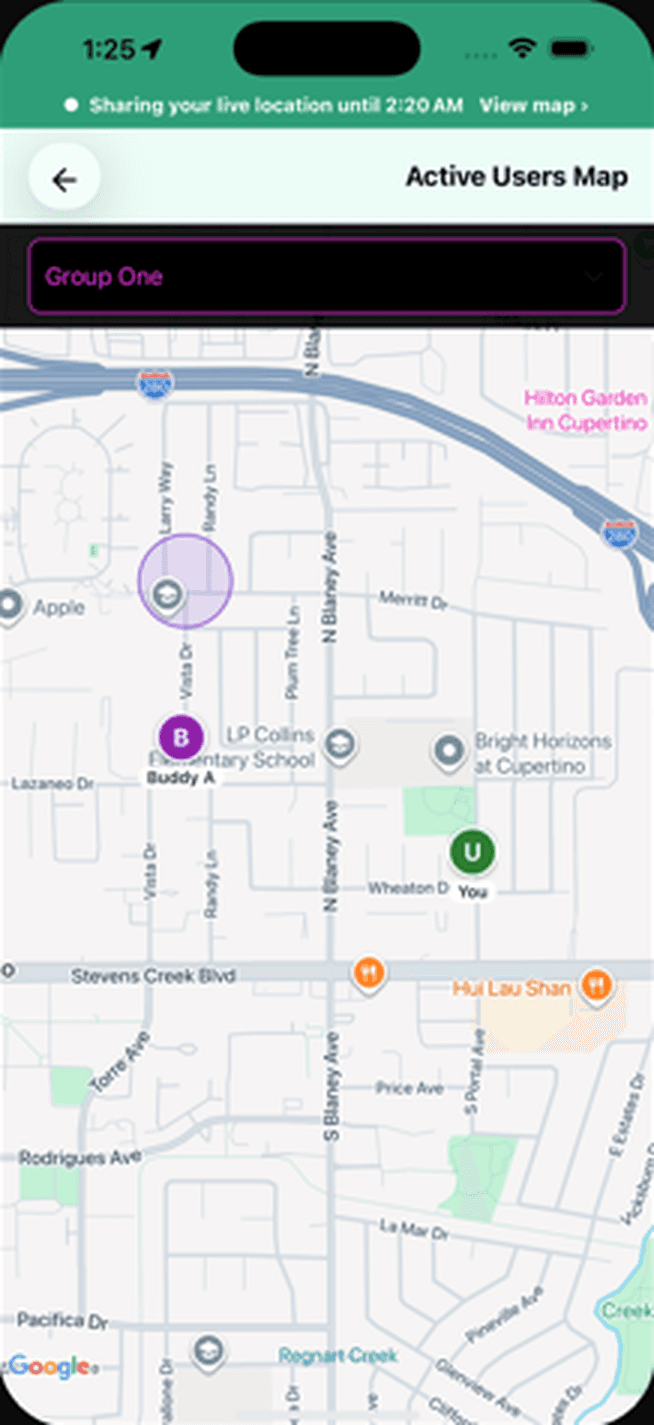
- Phone number only, no email
- iOS & Android
- Safety features free
- US & Canada
Hold SOS. Three things happen.
SOS is built for the moments you cannot stop and explain what is wrong. Here is what your group, and the people outside it, see.
 Step 1
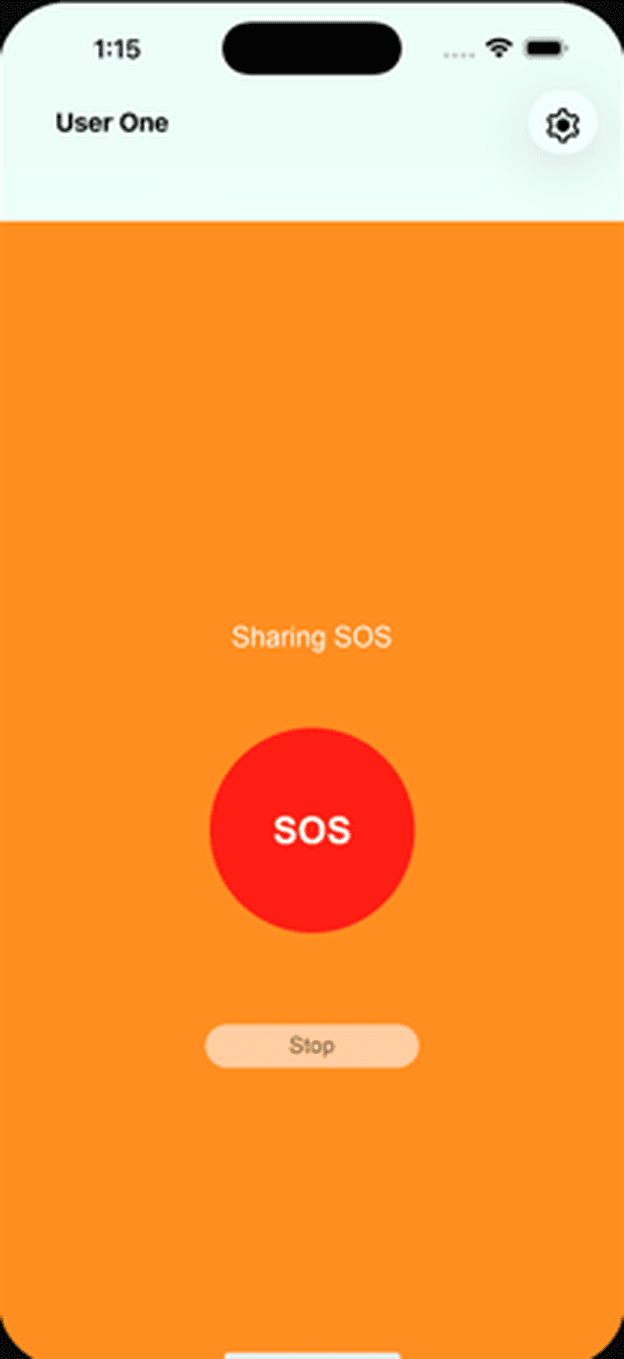
You hold SOS
Hold the button for two seconds. A five-second countdown lets you cancel a false alarm. You never type a message or pick a contact.
- Step 2
Your group gets a push
Every member of your active group gets a notification that deep-links straight into the live map, centered on you.
 Step 3
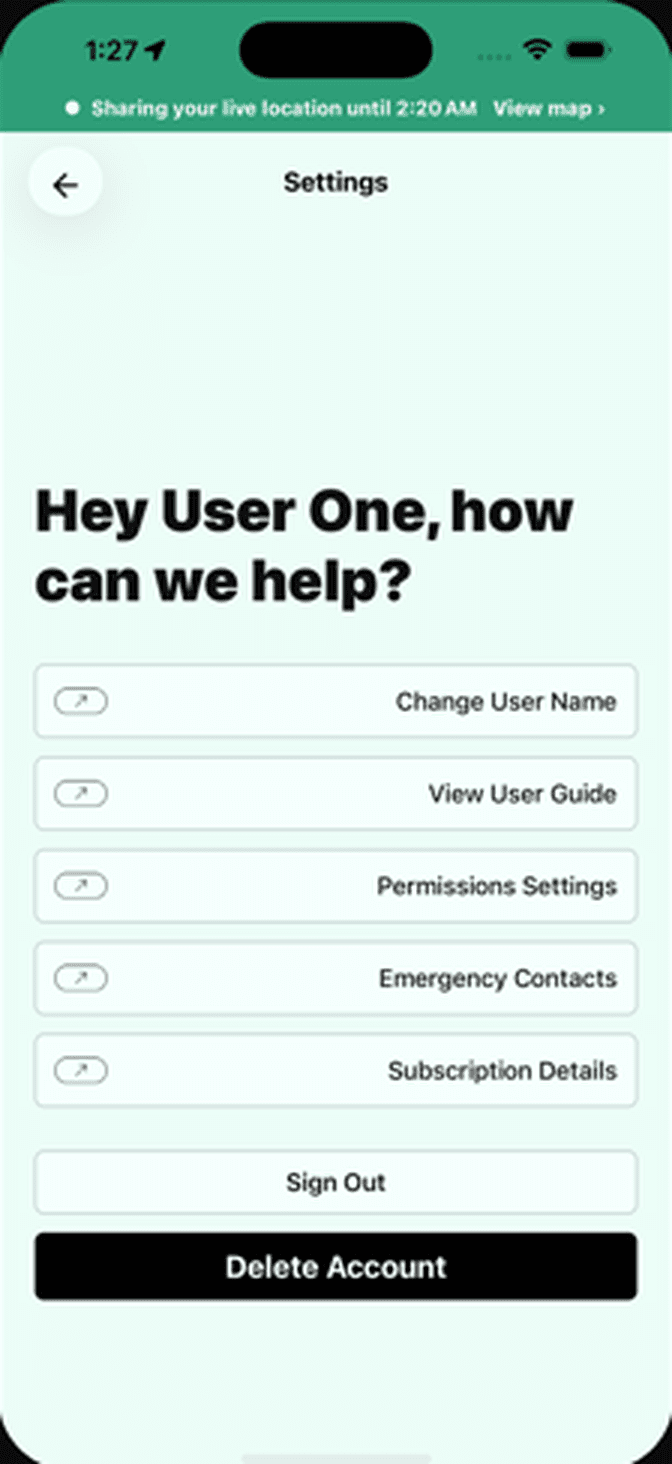
Contacts without the app get a text
Your emergency contacts get an SMS with your location, even the ones who never installed BuddySOS.
Set up in under two minutes
- 01
Download & Create a Group
Grab BuddySOS from the App Store or Google Play. Invite your people: family, friends, or your team.
- 02
Go Anywhere Together
Open the app when you arrive. Your group sees each other live on the map the moment location sharing is on.
- 03
Stay Connected, Stay Safe
Send SOS when you need help. See where your people are. Wherever life takes you.
Eight features. Every safety one is free.
SOS, SMS escalation, live location and zone alerts cost nothing on any tier. The paywall only adds more groups and more zones.
Hold-to-Send SOS
Hold the button for two seconds to alert your buddies. Your live location goes with it.
How it works →Live Buddy Tracking
See where your group is on a real-time map. Reunite fast when the crowd swallows you.
How it works →Safe Zones
Draw a zone on the map for home, school, or the venue. Your group gets a push alert the moment someone enters or leaves.
How it works →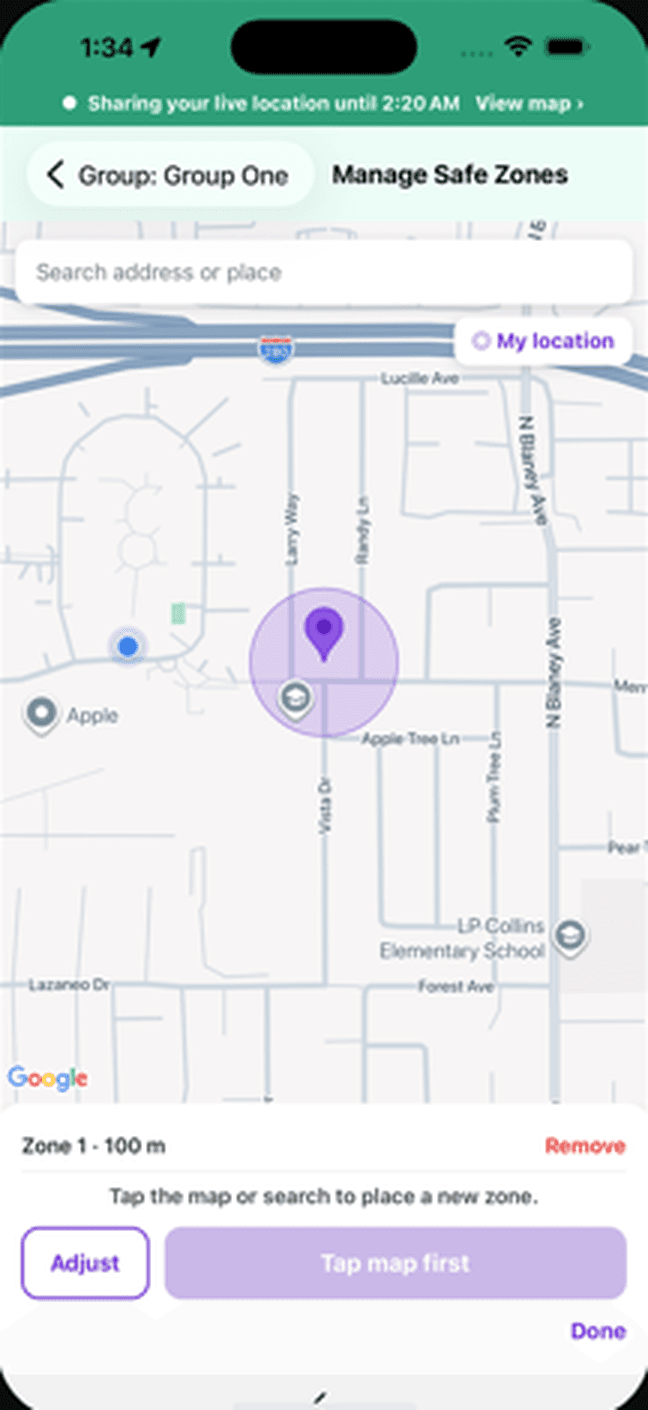
SOS Text Escalation
SOS also sends a text with your location to emergency contacts, even the ones without the app installed.
How it works →Private by Default
Your location is shared with the people in your group. Not with advertisers. Not with data brokers.
How it works →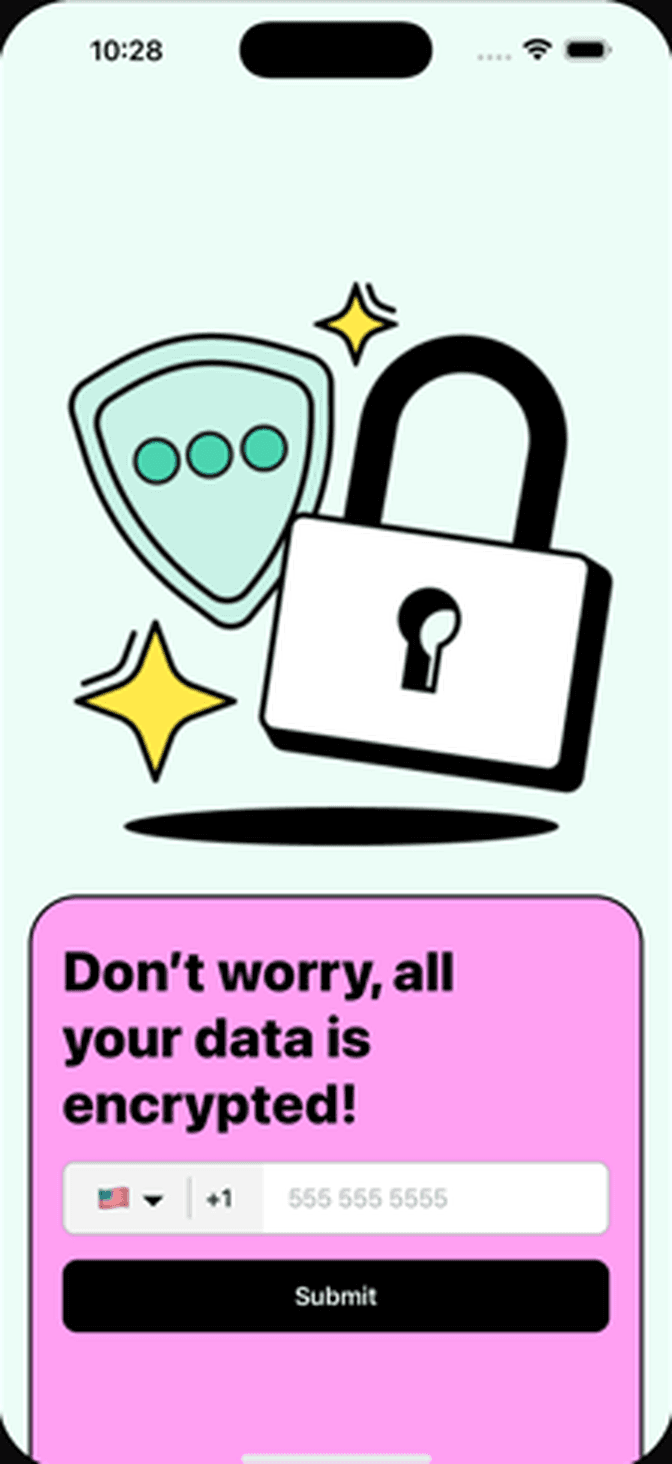
Battery Saver Mode
Track all weekend without dying at 4pm. Tuned for long days.
How it works →Tracking Window
Set a start and end time for sharing. A reminder pings before it starts, and sharing stops on its own when the window closes.
How it works →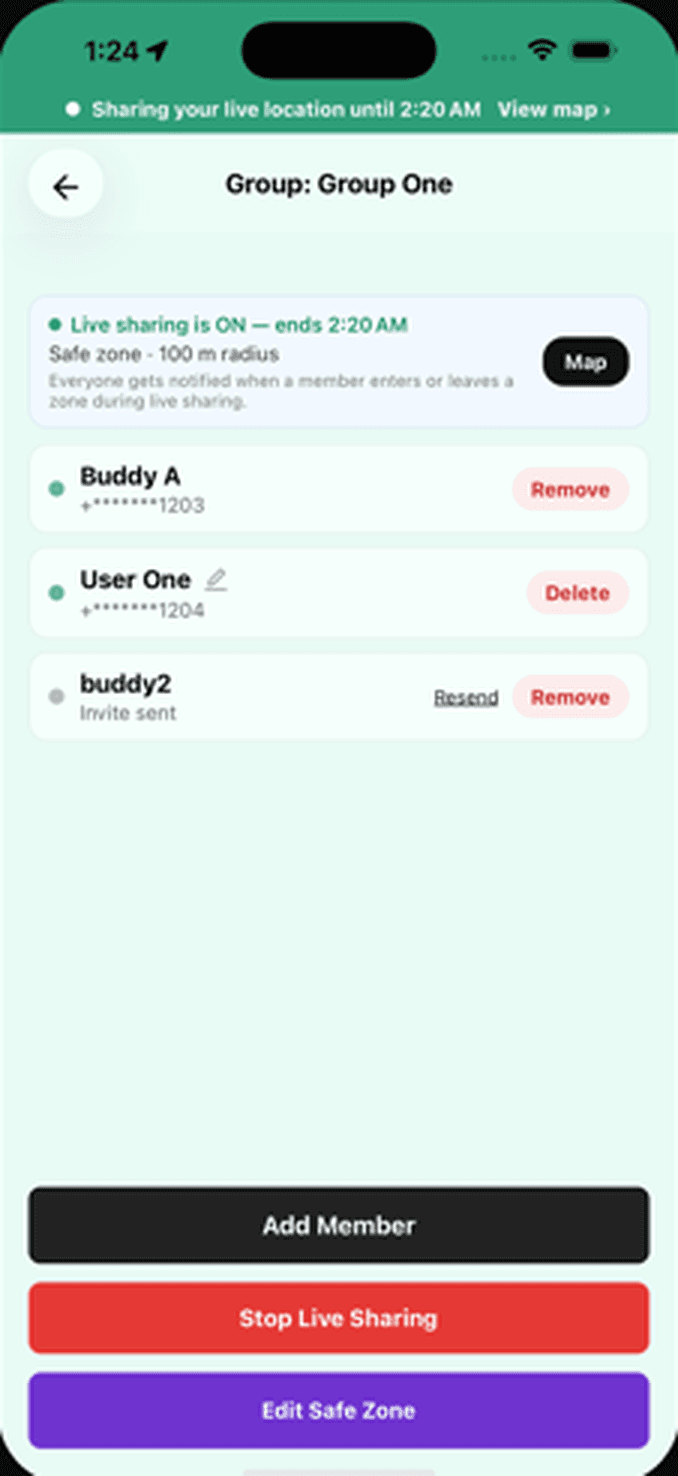
Group Controls
Pause any group and invite people by phone number or a link. The free plan covers one group; BuddySOS Plus runs up to 10.
How it works →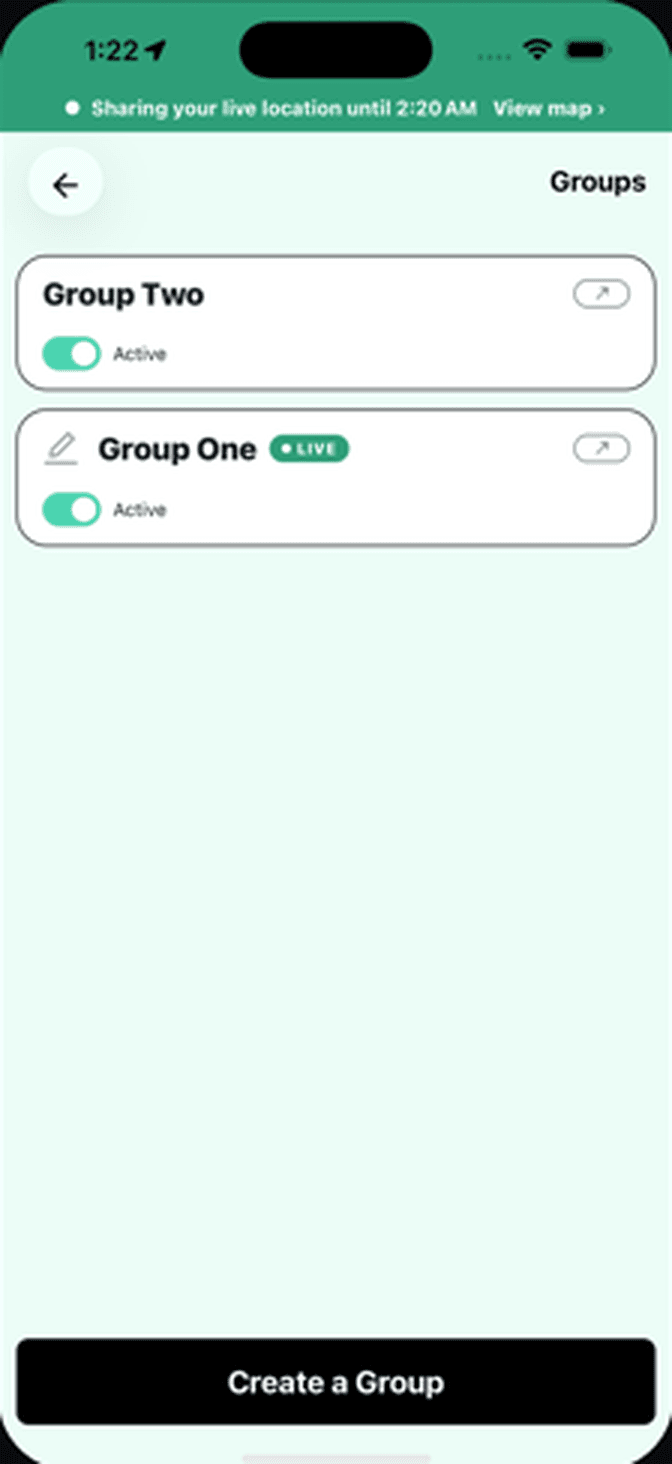
No location history. Nothing sold.
Some location apps make money by selling where you go. BuddySOS doesn't. Core features are free because safety shouldn't come with a subscription.
No location history
BuddySOS keeps no trail of where you have been, so there is nothing for anyone to scroll back through later.
Your data is never sold
Your location reaches the people in your group and stops there. Not advertisers. Not data brokers.
Encrypted in transit and at rest
Your location is encrypted while it moves and while it is stored. Pause a group and it stops reaching that group; leave or delete the group and access ends.
Free, or Plus from $1.99.
The safety features are the same on both plans, and neither shows ads. Plus adds room for more groups and safe zones.
No ads on either plan. Plus is $1.99 a month or $19.99 a year, and cancels anytime in your App Store or Google Play settings.
| Feature | Free$0 | Plus$1.99a monthor $19.99 a year |
|---|---|---|
| Live map | Included | Included |
| Hold-to-send SOS | Included | Included |
| SMS to emergency contacts | Included | Included |
| Safe zone alerts | Included | Included |
| Groups | One | Up to 10 |
| Safe zones per group | One | Up to 5 |
Built for wherever you need it
Family, crew, team, or solo. BuddySOS helps you stay together and stay safe.
- Music festivals & ravesA rave buddy app for your crew: a live shared map and hold-to-send SOS.
- Sporting eventsFrom parking lot to seats to the after-party. Keep the group together.
- Conventions & conferencesFind your team between sessions without wasting half a day.
- Nightlife & bar crawlsGoing out should not end with one friend lost and no one knowing where.
- Family & friendsReal-time location for the people who matter, with the safety features free.
- Personal safetyShare your live location with people you trust until you are home.
- SeniorsHold-to-send SOS to the people who can actually show up, no wearable and no monthly fee.
- Security teamsEvery team member on one live map. Holding SOS brings backup with exact position.
- Schools & campusesSilent hold-to-send SOS for staff, sent with exact location, no extra hardware.
- Production & event crewsSee every crew member live on an empty site. SOS fires with exact coordinates.
- Lone workersHolding SOS tells your team exactly where you are and that you need help.
Built by Kingbird Solutions after a man lost consciousness behind us at a show and nobody saw us calling for help.
Common questions. Honest answers.
What people ask before they download BuddySOS, and what we actually tell them.
Is BuddySOS like Life360?
How does the SOS button work?
Is BuddySOS free?
Does BuddySOS sell my location data?
Who can see my location?
How do I get my friends to use BuddySOS?
Your people are out there.
Know where they are. Free on iOS and Android.